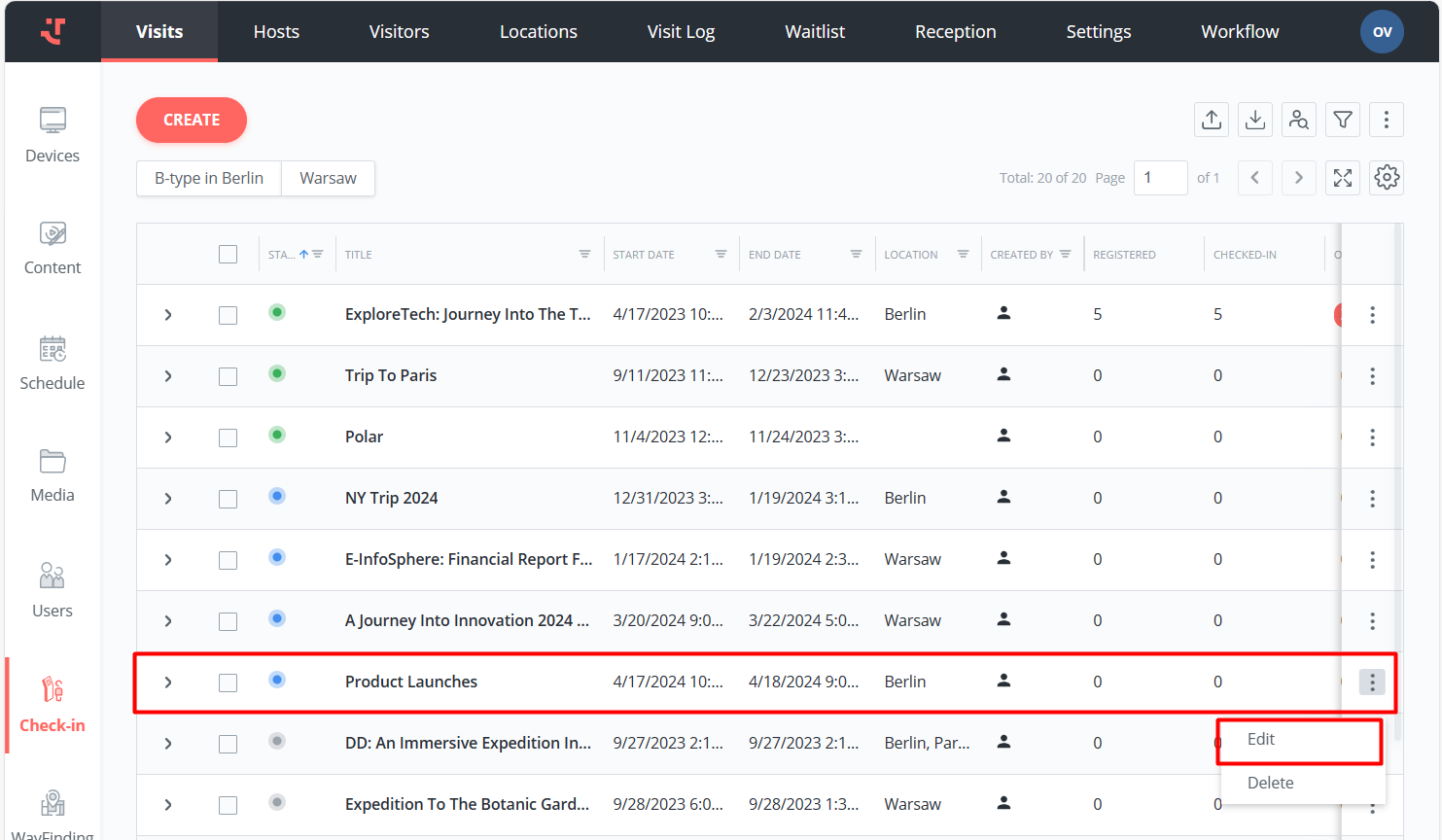
Admins can manually check a visitor out directly from the Platform.
To do this, follow the steps:
Open the relevant visit.
Choose the visitors by selecting the checkboxes next to their names.
Click Check Out on the bottom panel.
If RFID Card scanning is enabled in Settings, the system will prompt you to enter the card number.
As a result, the system checks the visitor out.
Last updated 2 months ago
Was this helpful?