If you need to print visitor badges, you can do so from the Platform.
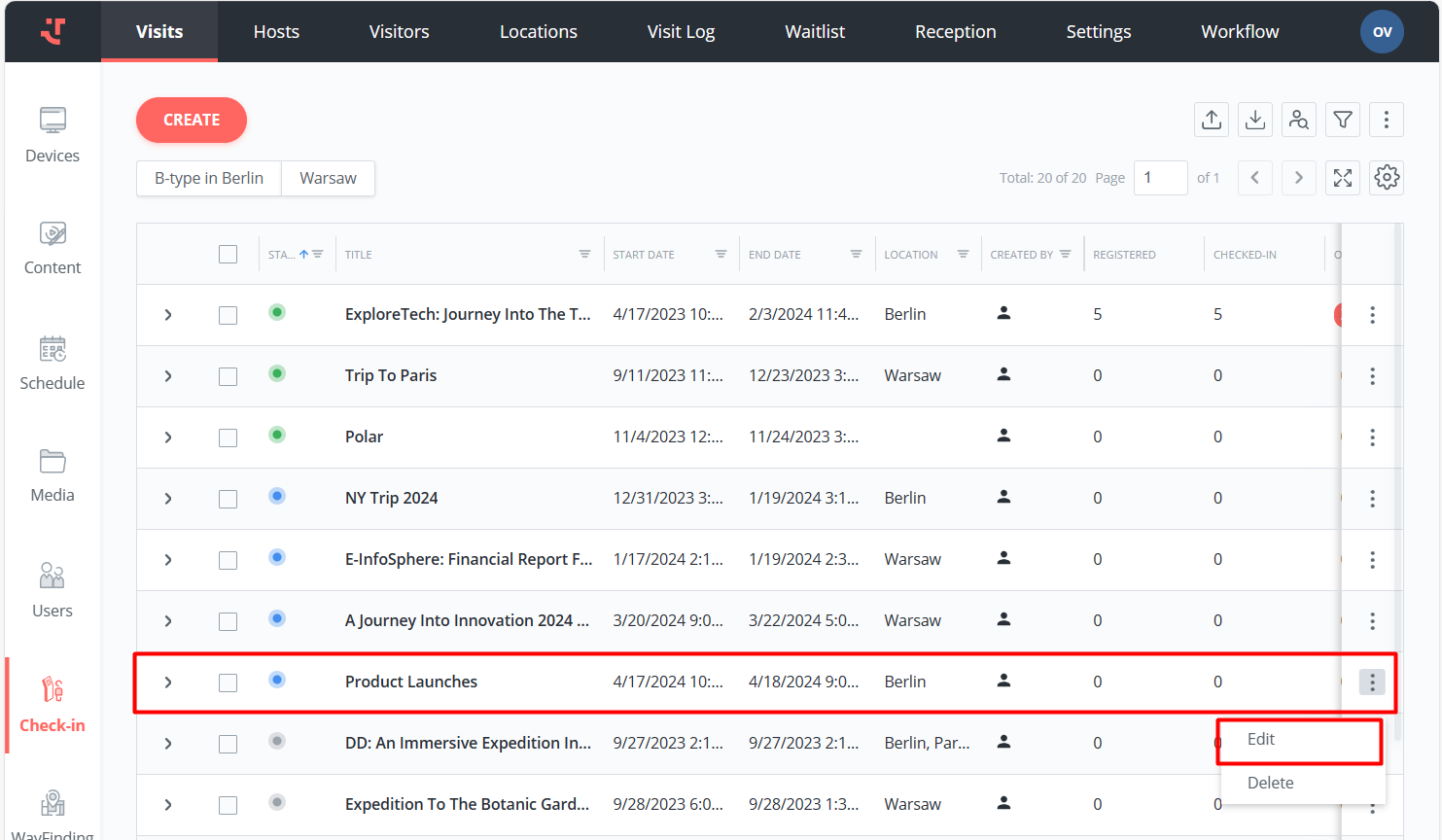
To print badges, follow these steps:
Open the visit by selecting the respective row on the Visits tab.
Choose the visitors by selecting the checkboxes next to their names.
Select Print Badge in the context menu.
As a result, the system prints badges for selected visitors.
Last updated 4 months ago
Was this helpful?